
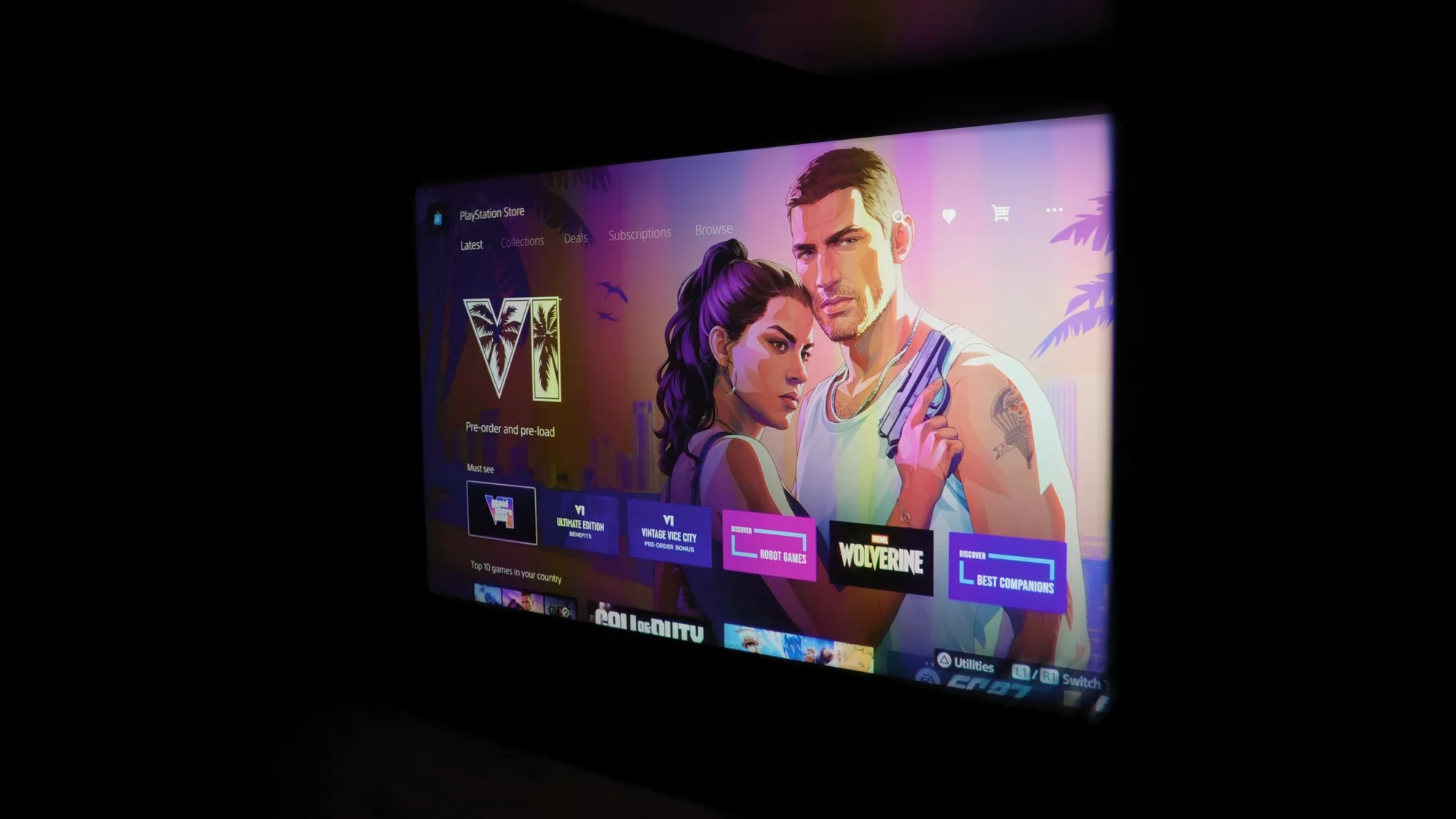
The short answer
At launch, GTA 6 runs at 30 frames per second on every console, so picture and sound matter more than 120 Hz. Use an OLED or Micro RGB TV in game mode, or a 4K laser projector, add Dolby Atmos sound, wire the console to the network and make space for up to 212 GB.
What GTA 6 needs from your setup
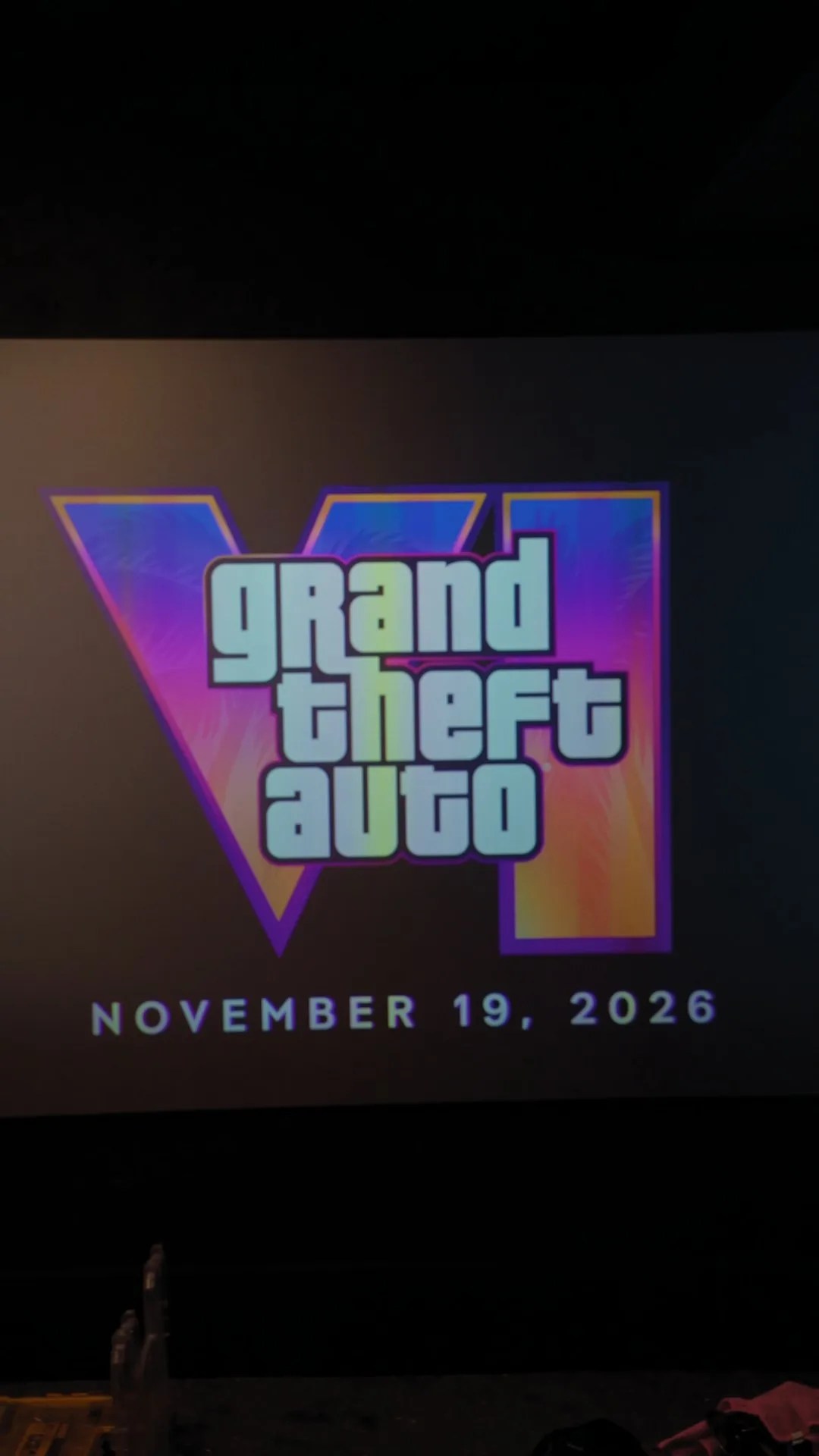
Grand Theft Auto VI's release date is November 19, 2026, on PlayStation 5 and Xbox Series X|S. Four facts shape the setup.
- Frame rate. At launch, the game runs at 30 frames per second on every console, PS5 Pro included, according to TechSpot's report of Rockstar's statement. So 120 Hz and variable refresh rate (VRR) matter less for this game, though they still pay off in faster ones.
- PS5 Pro. PlayStation says the Pro adds sharper detail through PlayStation Spectral Super Resolution (PSSR), plus ray traced shadows.
- Storage. Rockstar says the download needs up to 212 GB, depending on the console, and PlayStation tells PS5 owners to clear at least 212 GB.
- A busy screen. Open world games usually keep a map and other indicators in the same place for hours, which matters on an OLED TV.
Everything else in this guide applies to any console game, so it stays useful long after launch week.
Gaming setups by budget
Every room is different, so here are three budgets, from a living room upgrade to a dedicated theatre. Each one suits GTA 6 and every game after it. AVAS Automation, a Control4 certified dealer, installs a lot of Samsung TVs and Sonos sound, so those lead each level.
Budgets are rough ranges for the equipment, based on regular Canadian prices in November 2026, before tax. Installation, wiring and programming are quoted for your room.
Level 1
Living room upgrade
About $4,500 to $7,000
For the TV and sound. A Sonos Beam with a Sub Mini costs less.
Picture
- Samsung S90H OLED, 65 inchThe best picture in a dim room.
- Samsung QN80H Neo QLED, 65 inchBrighter, for a sunny room.
Sound
- Sonos Arc Ultra soundbarDolby Atmos from one bar under the TV.
- Sonos Sub 4 subwooferThe bass you feel in a car chase.
The room: the TV at seated eye level, with the cables hidden in the wall.
Level 2
Media room
About $10,000 to $15,000
For the TV and a Sonos surround system with two subwoofers.
Picture
- Samsung S95H OLED, 77 inchRTINGS' best gaming TV of 2026.
- Samsung R95H Micro RGB, 75 or 85 inchNo burn-in worry, and fine in a bright room.
Sound
- Sonos Arc Ultra and two Era 300 rear speakersSurround sound with Dolby Atmos.
- Two Sonos Sub 4 subwoofersMore even bass across the seats. Arc Ultra supports two.
- Or speakers hidden in the walls: Sonos Amp with In-Wall speakers by Sonos and SonanceA cleaner look. Amp plays Dolby Digital, not Dolby Atmos. Surround takes a second Amp or two Sonos rear speakers.
The room: surround speakers placed for the main seat, blackout shades and one tap game night.
Level 3
Dedicated theatre
$30,000 and up
The projector, screen, speakers, seating and acoustic panels, quoted for the room.
Picture
- JVC DLA-NZ800 or NZ900 projectorFilms first, with a low latency mode for games.
- Sony BRAVIA Projector 8 or 9The 9 measured 9 ms of input lag at 4K 120 Hz.
- No projector? Samsung Micro RGB, 100 inchA huge picture that stays bright with the lights on.
Sound
- Dolby Atmos 7.2.4 or largerSpeakers hidden behind the screen and in the walls and ceiling, on an AV receiver.
- Sonos through the rest of the houseThe same music in the kitchen, on the patio and everywhere else.
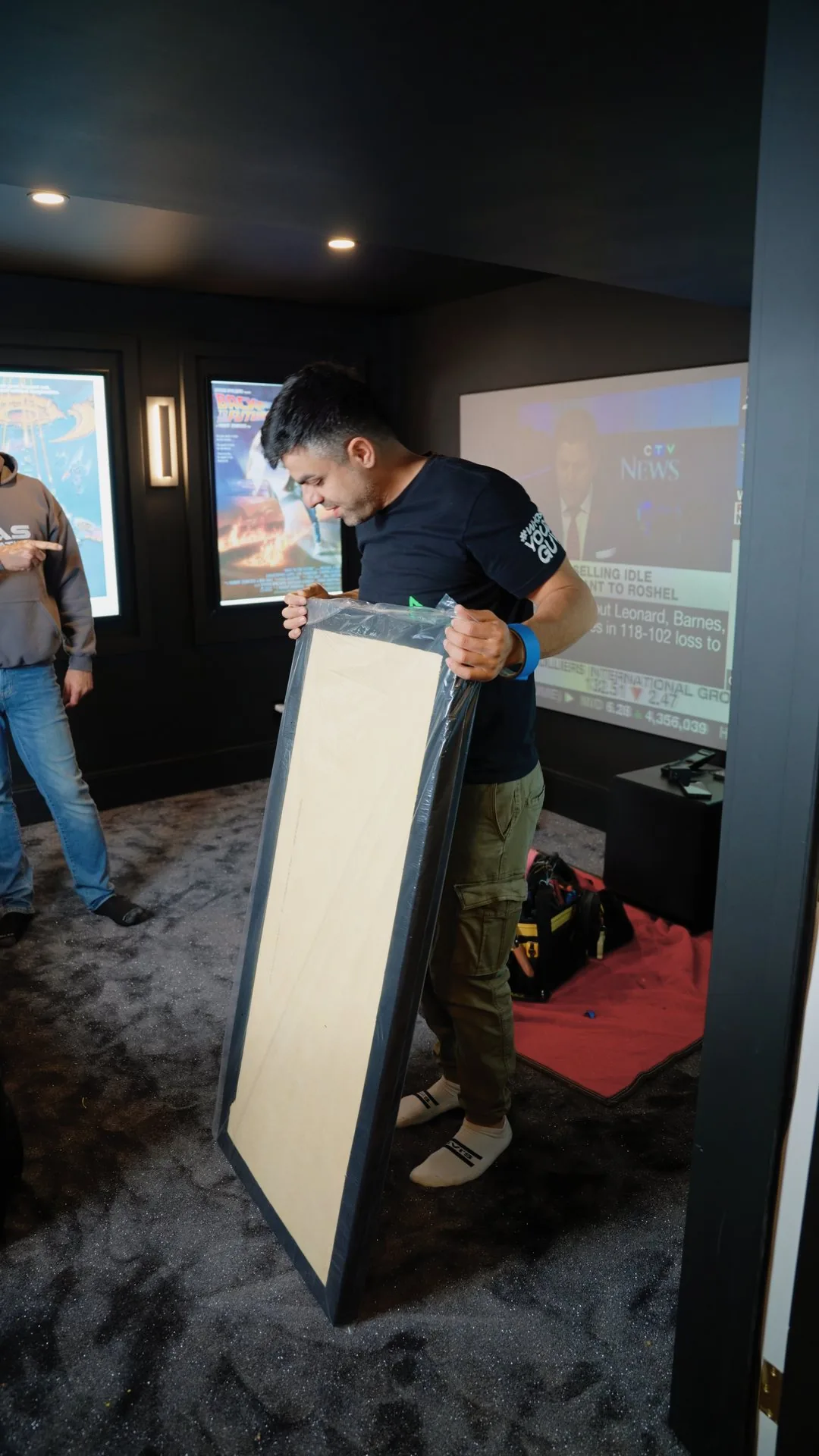
Acoustic panels
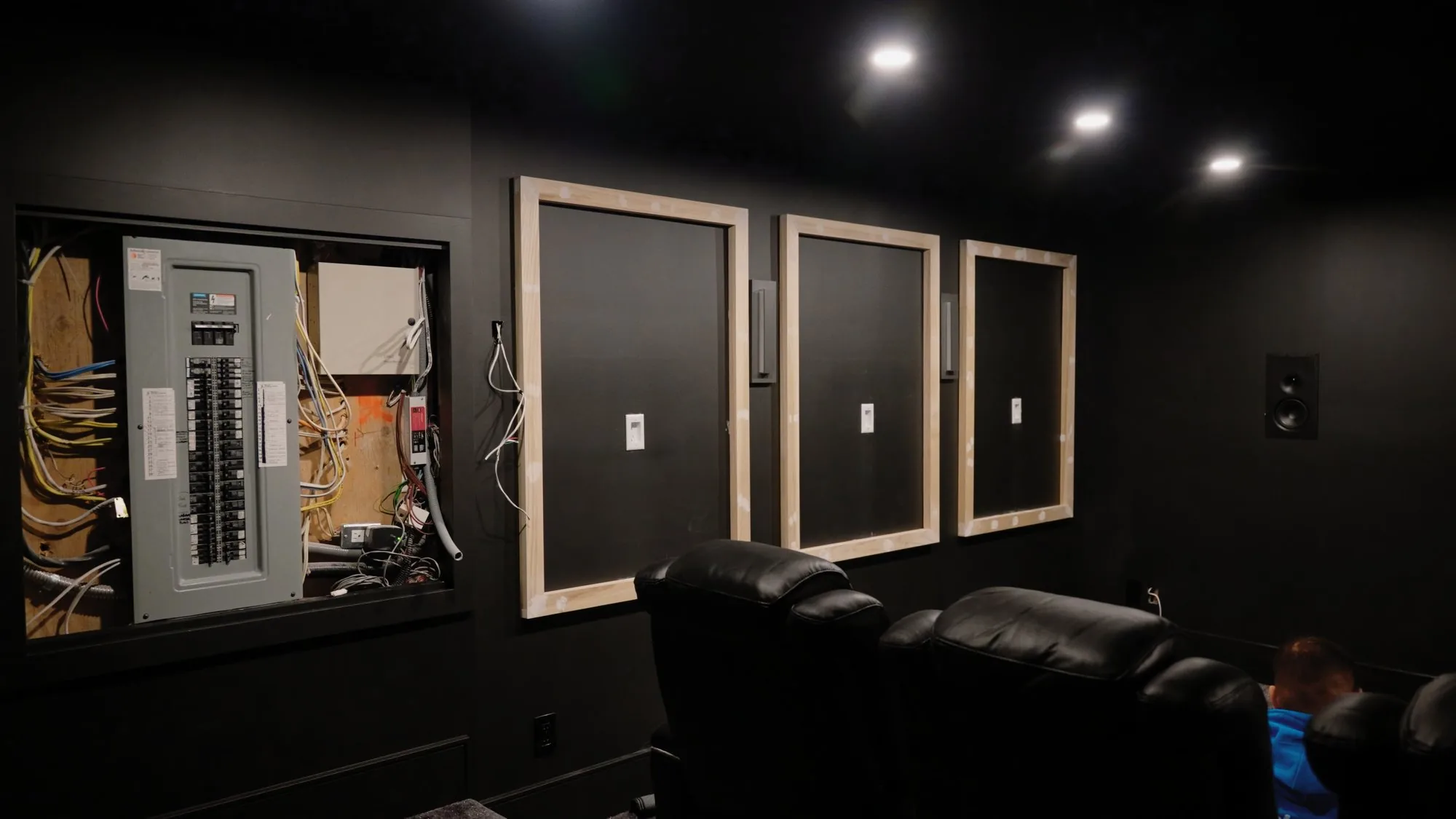
Fabric covered panels on the walls that soak up sound instead of bouncing it back. They cut the echo, so voices stay clear and loud scenes do not ring around the room. The theatre in this guide has about six.
The room: acoustic panels, seating, lighting scenes and calibration.
Not sure which budget fits your room?
We will look at it and tell you plainly. Call (416) 800-6714, or have us call you back.
The best TVs for gaming right now
Many of the gaming rooms we build use Samsung TVs, and we work with the other major brands too. These are the models independent testers rate highest today.
OLED: the best picture in a dim room
Each OLED pixel makes its own light and switches fully off for black, so a dark street at night looks black instead of grey.
RTINGS names the Samsung S95H OLED the best gaming TV it has tested in 2026, with minimal input lag, very clear motion and support for every type of VRR. Its pick one step down is the LG C6 OLED, and Samsung's own step down is the S90H OLED.
Burn-in, in plain words
On an OLED TV, an image that stays on screen for a long time, like a game's map, can leave a permanent ghost of itself. Newer OLEDs resist it better than older ones, but RTINGS says burn-in is still possible with long exposure to static images, though it is not expected to be a problem for most people who watch a variety of content.
To keep the risk low, mix in other content, skip the brightest picture mode for long sessions, and leave the TV's own panel care features on.
Micro RGB: OLED-like colour, without the burn-in worry
Micro RGB TVs, also sold as RGB Mini LED, are the newer option. Behind the screen sits a backlight of tiny red, green and blue LEDs, so the light does not come from organic pixels, and OLED burn-in is not the concern.
RTINGS found the Samsung R95H has very deep blacks with almost no haloing around bright objects, handles glare even in direct sunlight, and has four HDMI 2.1 ports that run up to 4K at 165 Hz.
Two trade-offs: it needs calibration out of the box to remove a blue tint, and OLED still wins on perfect black in a dark room.
Playing for hours every day, or in a bright room? Micro RGB is the safer pick. A dark room, with movie nights too? OLED.
What to look for in any gaming TV
- HDMI 2.1 on the port you will use, and enough of them for every console.
- A game mode with low input lag, the delay between pressing a button and seeing it happen.
- eARC, so the sound can go to a receiver or soundbar.

The best projectors for gaming
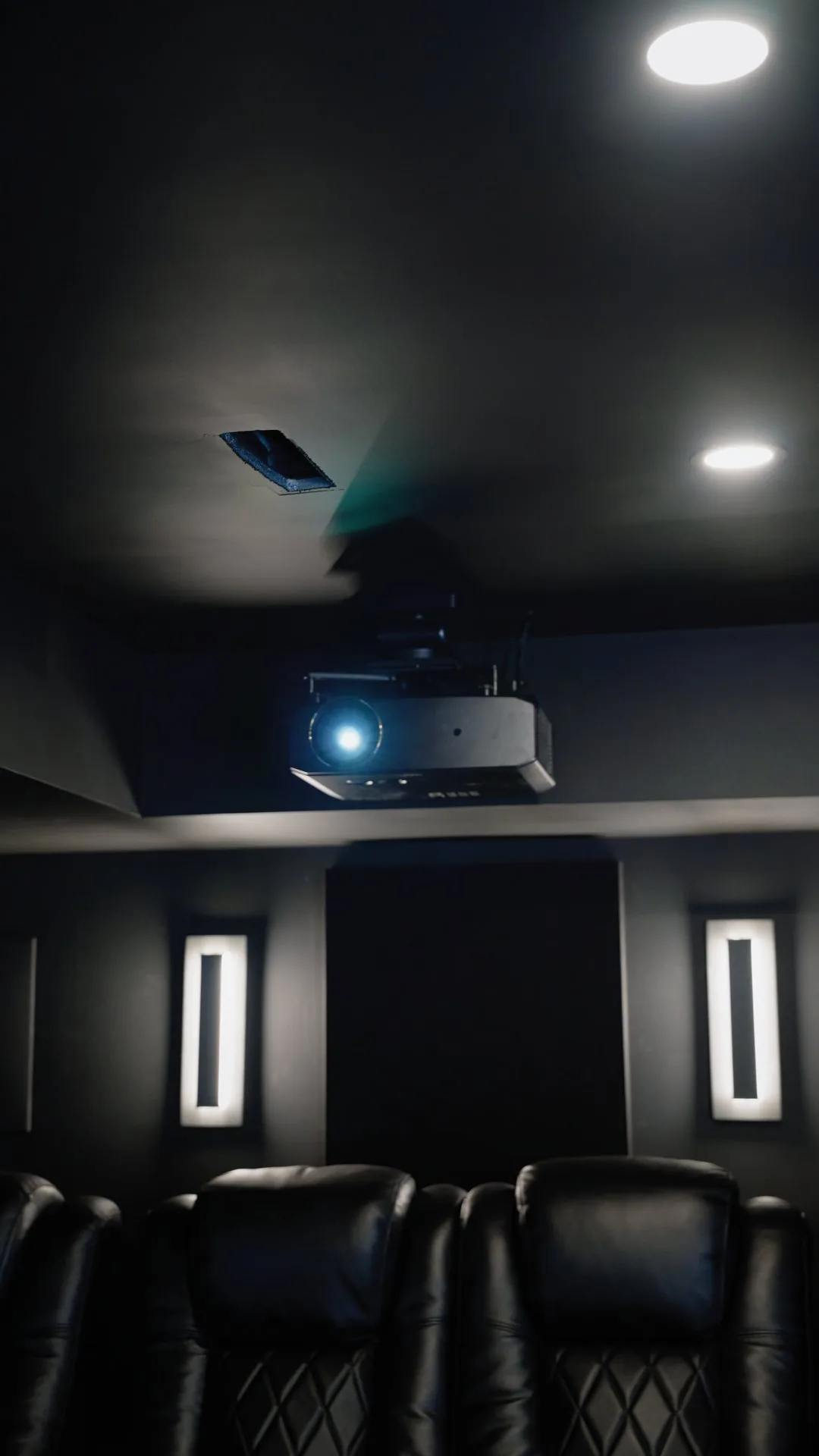
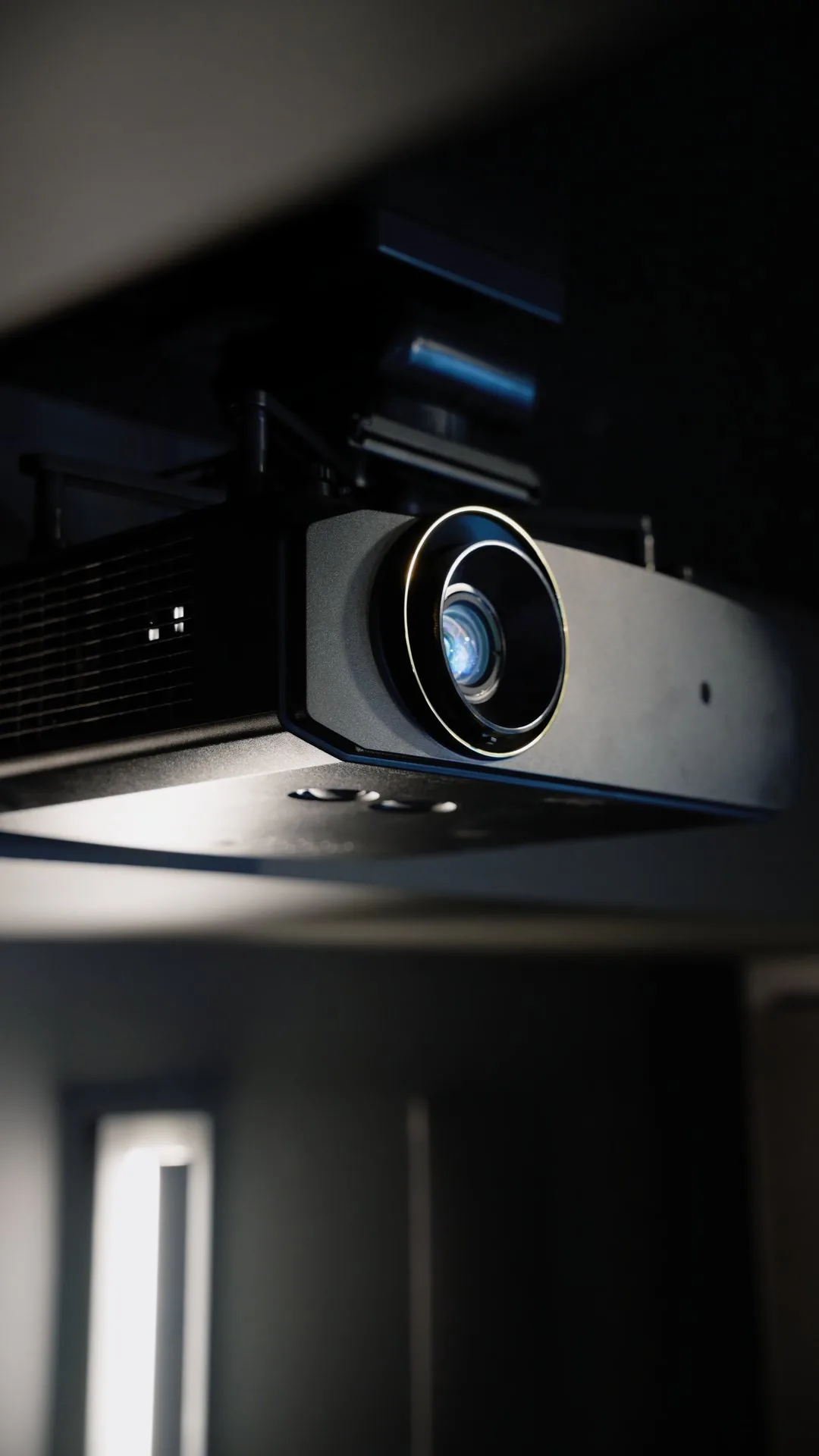
A projector gives the biggest picture, and in a dark theatre nothing else feels like it. For a high end theatre we look for a 4K laser projector with HDR, HDMI 2.1 and a proper low latency mode. These stand out today.
- Sony BRAVIA Projector 9. Full HDMI 2.1 with 4K at 120 Hz. ProjectorCentral measured 9 ms of input lag with a 4K 120 Hz signal and 19 ms at 4K 60 Hz, among the quickest of any high end projector, and its auto low latency mode worked as it should.
- Sony BRAVIA Projector 8. The same 4K at 120 fps support and low input lag, with less light: 2,700 lumens against the Projector 9's 3,400.
- JVC DLA-NZ900 and NZ800. Films first, games welcome. JVC rates the NZ900's native contrast at 150,000:1 and adds 8K e-shift detail, and both take a 4K 120p input with a low latency mode. The laser reaches 3,300 lumens on the NZ900 and 2,700 on the NZ800.
Whatever the model, look for measured input lag in game mode in independent reviews, keep the room dark, and remember that a projector cannot get as bright as a TV for HDR. Fan noise matters too when it sits above the seats.
Where to put the screen, seats and speakers
Screen size and distance
Size the screen to the seat, not the wall. RTINGS cites the SMPTE recommendation that the screen fill at least 30 degrees of your view for mixed use, and suggests 40 degrees for a more cinematic feel that also suits story driven games.
A 65 inch TV fills 30 degrees from about 2.7 metres (8 feet 10 inches) and 40 degrees from about 2 metres (6 feet 6 inches). For games, staying in that range keeps the map and indicators in the corners in view without turning your head.
Screen height
THX suggests keeping the centre of the screen within 15 degrees of your line of sight, above or below. In practice that means near seated eye level, which a TV mounted high over a fireplace usually misses.
Seats
Choose the main seat first and centre it on the screen: every speaker is aimed and timed to it. Dolby's own setup guides start the same way, with a central seating point and the speakers angled at it.
Speakers
- Front: left and right beside the screen, with the centre speaker just above or below it, or behind a screen that lets sound through.
- Surrounds: beside or just behind the main seat. In a 7.1 system, two more go behind it.
- Height: keep the speakers around you at seated ear height, all at the same height. For Dolby Atmos, Dolby's guidelines put the front and rear overhead speakers about 45 degrees above the main seat, anywhere from 30 to 55 degrees if the room needs it.
- Distance: ideally every speaker sits the same distance from the main seat. Where it cannot, the receiver's distance settings line the sound up.
- Subwoofers: where they sit changes the bass more than almost anything else, and two subwoofers make it more even from seat to seat.
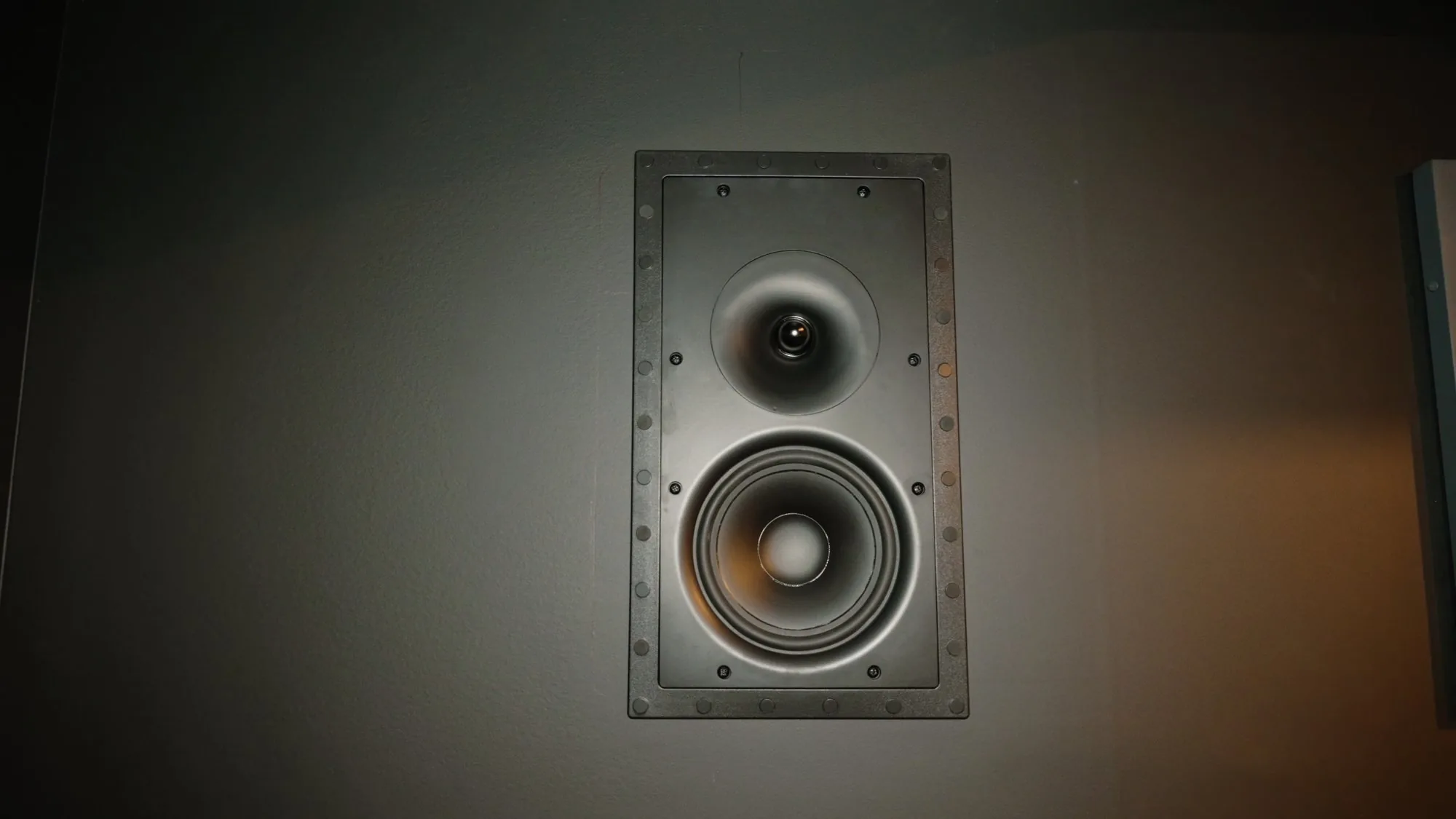
We measure the room and plan every seat, screen and speaker before anything goes on the wall. See how we plan a theatre.
Surround sound, from stereo to Dolby Atmos
The numbers name the speakers. The first counts the speakers around you at ear level, the second counts subwoofers, and a third, when there is one, counts height speakers. So 5.2.4 means five speakers around you, two subwoofers and four overhead.
| Setup | What you get | Best for |
|---|---|---|
| 2.0 and 2.1 | Left and right speakers, plus a subwoofer in 2.1 | Music and small rooms. Everything stays at the screen |
| 3.1 | Adds a centre speaker for voices | Clearer dialogue in a living room |
| 5.1 and 5.2 | Adds two surround speakers beside or behind you. 5.2 has two subwoofers | Real surround, and where gaming setups should start |
| 7.1 and 7.2 | Adds two rear surrounds behind the seats | Larger rooms and a second row |
| Dolby Atmos: 5.2.2, 7.2.4 and up | Adds speakers overhead | Rain, aircraft and anything above you: the full theatre |
In a game, surround means you hear where things are: a car coming up behind you, footsteps to one side, a helicopter overhead. Both consoles can now send Dolby Atmos to a receiver, soundbar or TV that supports it.
The simple route: Sonos
We install a lot of Sonos. An Arc Ultra soundbar with a Sub 4 is the simple start. Add two Era 300 rear speakers for surround, and a second Sub 4 for even bass: Sonos says Arc Ultra works with two.
The soundbar plays Dolby Atmos from the TV over HDMI eARC. For speakers hidden in the walls, a Sonos Amp drives in-wall speakers and plays Dolby Digital, not Dolby Atmos. Surround takes a second Amp for rear speakers, or two Sonos rear speakers.
PlayStation 5
A 2023 PS5 update added Dolby Atmos for games: the console's 3D Audio plays through the Atmos speakers you have, including overhead ones. Go to Settings, Sound, Audio Output, Audio Format (Priority), then select Dolby Atmos.
Xbox Series X|S
Go to Settings, General, Volume and audio output. Set HDMI audio to Bitstream out, then choose Dolby Atmos for home theater as the bitstream format.
How to connect it
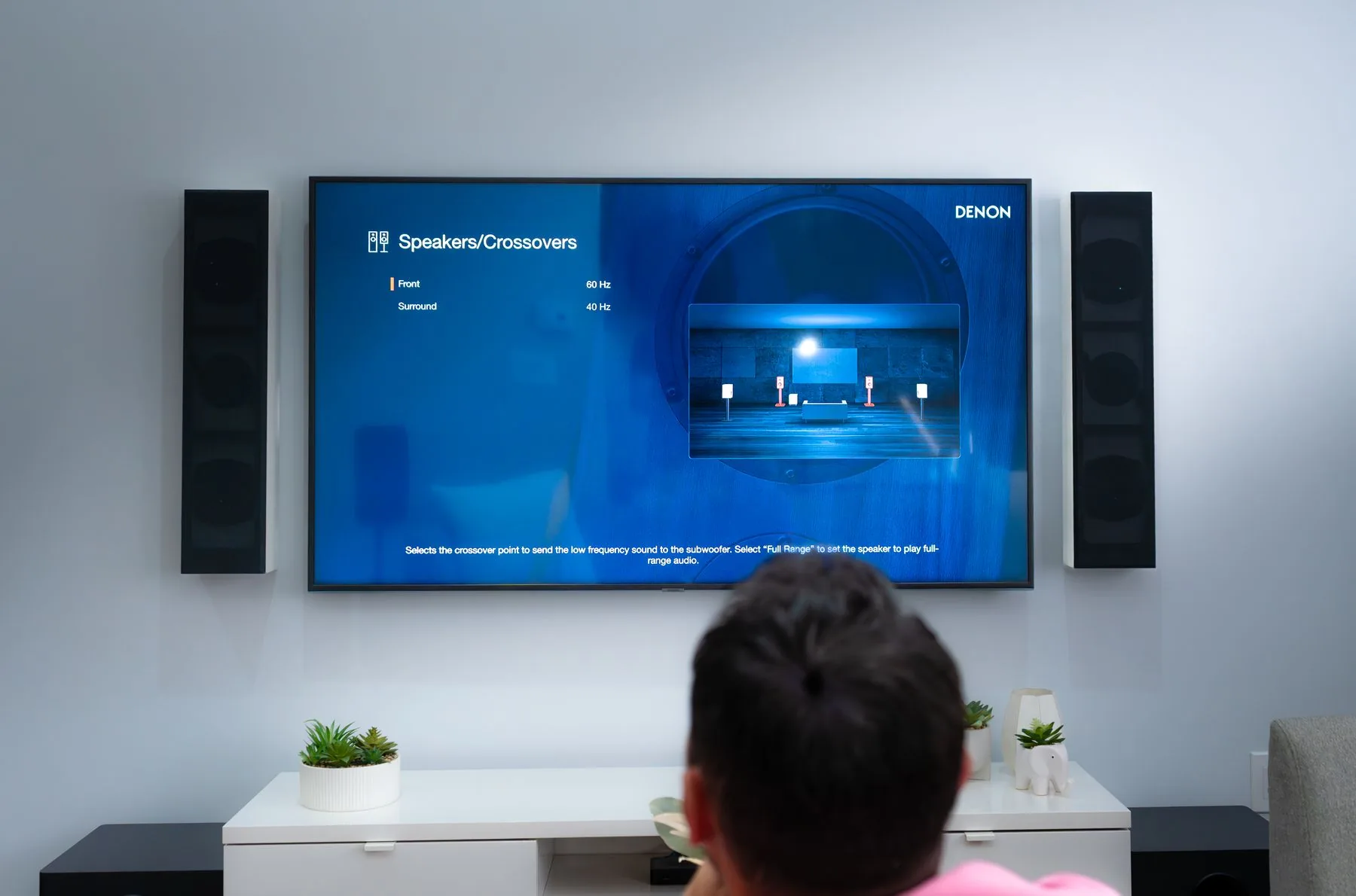
- Through the receiver: console into an AV receiver, receiver into the TV. The receiver has to pass 4K at 120 Hz if you want it. Xbox notes that some receivers have trouble with 4K at 120 Hz, and that many makers can supply a fix.
- Through the TV: console into the TV's HDMI 2.1 port, and the TV sends the sound to the receiver or soundbar over eARC. eARC carries the most advanced audio formats. Older ARC may not.
Want surround sound built into the room?
AVAS Automation designs and installs dedicated and living room theatres from Toronto to Muskoka, including the screen, speakers and final tuning. Call (416) 800-6714, or see each theatre level.
The settings that matter
- Use an HDMI 2.1 port. On many TVs only some ports support it. Xbox notes that some displays reach 120 Hz only on specific HDMI 2.1 ports. Your TV's manual says which.
- Use an Ultra High Speed HDMI cable. It is the cable made for 4K at 120 Hz. Certified ones carry a label you can scan with the HDMI Cable Certification app, and Sony and Xbox both recommend the cable in the box.
- Turn on game mode. It cuts the delay between your controller and the screen. Auto Low Latency Mode (ALLM) lets the console switch the TV into it for you. Check it is turned on in the TV's settings.
- 120 Hz and VRR, for your other games. On Xbox Series X, set Resolution to 4K UHD and Refresh rate to 120 Hz in Settings, General, TV and display options. PS5 supports 4K at 120 Hz and VRR over HDMI 2.1.
- Set up HDR once. Both consoles have an HDR setup screen. Run it with the TV already in game mode, so it matches what you will play in.
The download and online play
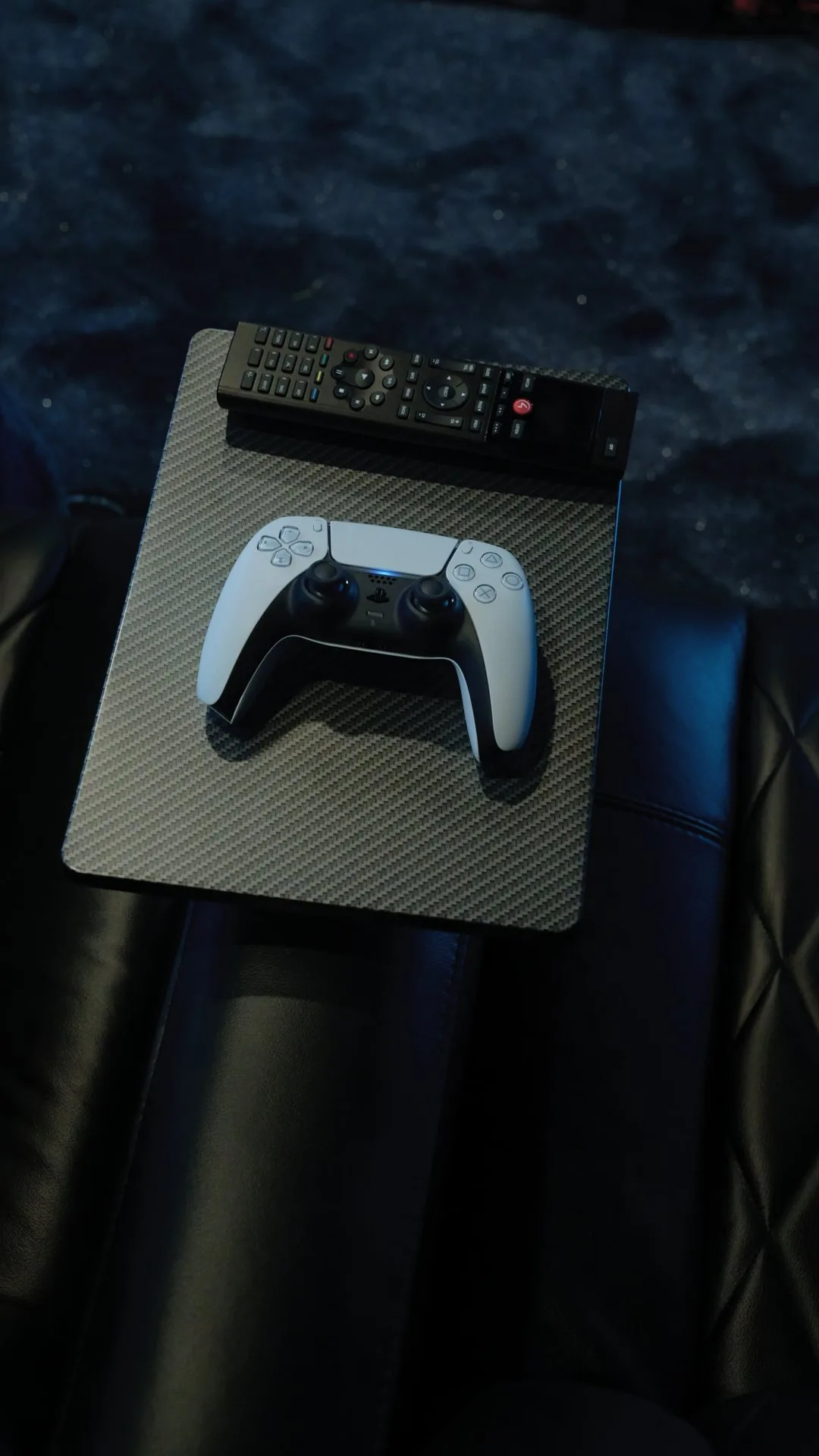
- Make room first. Clear at least 212 GB on a PS5, as PlayStation advises, or check your Xbox storage.
- Let it download overnight. Rockstar says a PS5 needs automatic downloads turned on and must be on or in Rest Mode. On Xbox, automatic updates must be on.
- Use a cable if you can. A network cable to the console is the steadiest connection for a big download and for playing online. A theatre in the basement, far from the router, often gets weak WiFi. Our WiFi dead zones guide explains why and what fixes it.
- Test from the console. Run the console's own network test where it sits, not a phone speed test beside the router.
Heat, light and cables
- Control the light. Blackout shades and dimmable lights help any screen, and a projector needs them.
- Give the console air. Sony asks for at least 10 cm of free space around each side of a PS5, nothing blocking the vents, and no narrow or cramped spot. A closed cabinet can trap heat, so plan ventilation or a proper rack.
- Plan the cable paths. A projector at the back of the room needs an HDMI run rated for the distance, and speakers in the walls need wire before the drywall closes. The pre-wire guide covers what to run.
One tap game night
With a Control4 system, one button can start game night: the screen or projector on, the right input, the sound mode set and the lights down. Another button puts it all back. Anyone in the house can start it without juggling remotes.
Launch week checklist
- At least 212 GB free, and the download left to run overnight.
- Console in an HDMI 2.1 port, with an Ultra High Speed HDMI cable.
- Game mode on, or ALLM switching it for you.
- HDR setup run once, in game mode.
- Dolby Atmos on in the console's sound settings, and the receiver or soundbar connected through HDMI or eARC.
- Main seat centred on the screen, with the screen near eye level.
- Console on a network cable, or a strong WiFi signal where it sits.
- At least 10 cm of air around each side of a PS5, with no vents blocked.
How this theatre came together
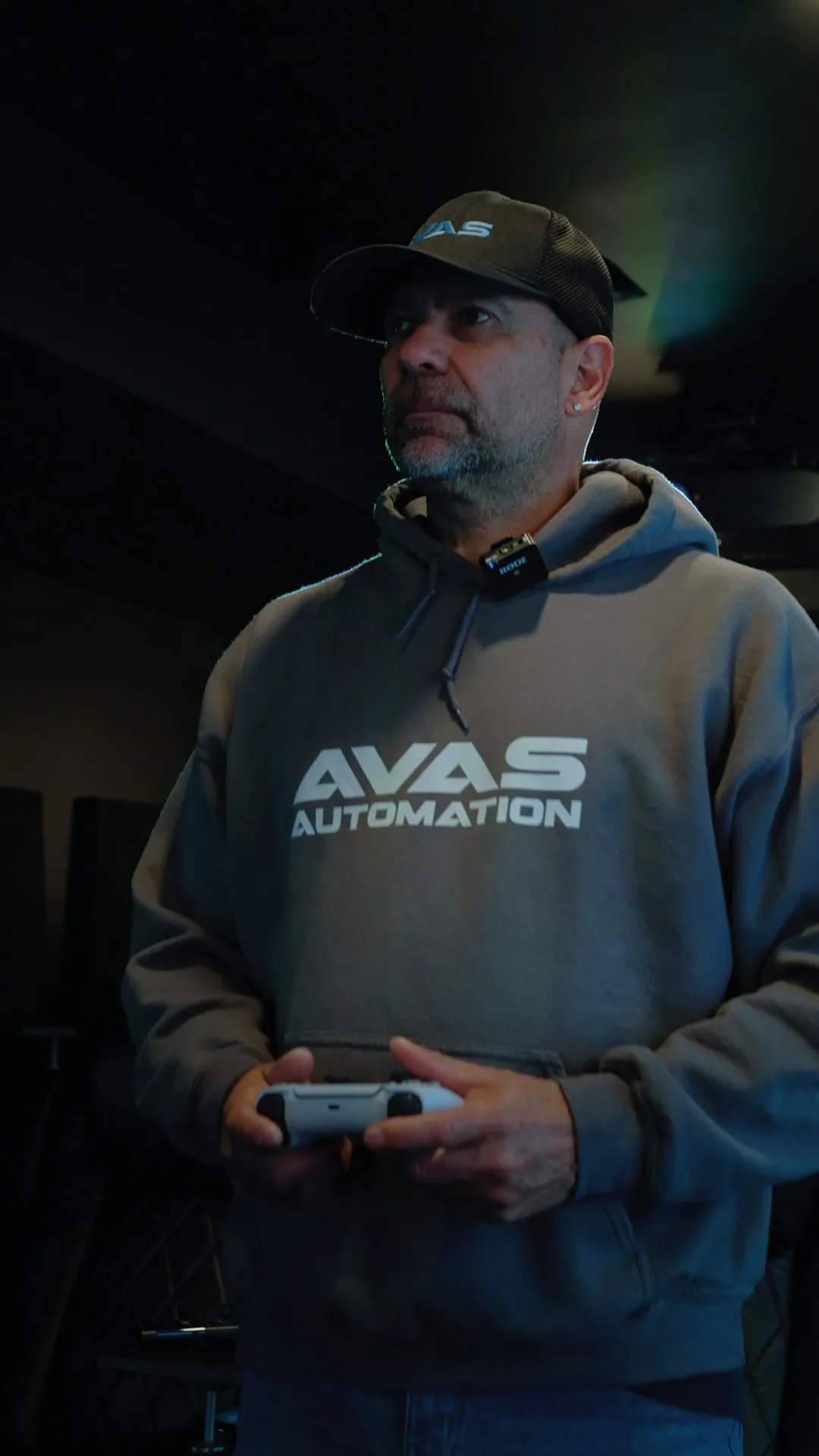
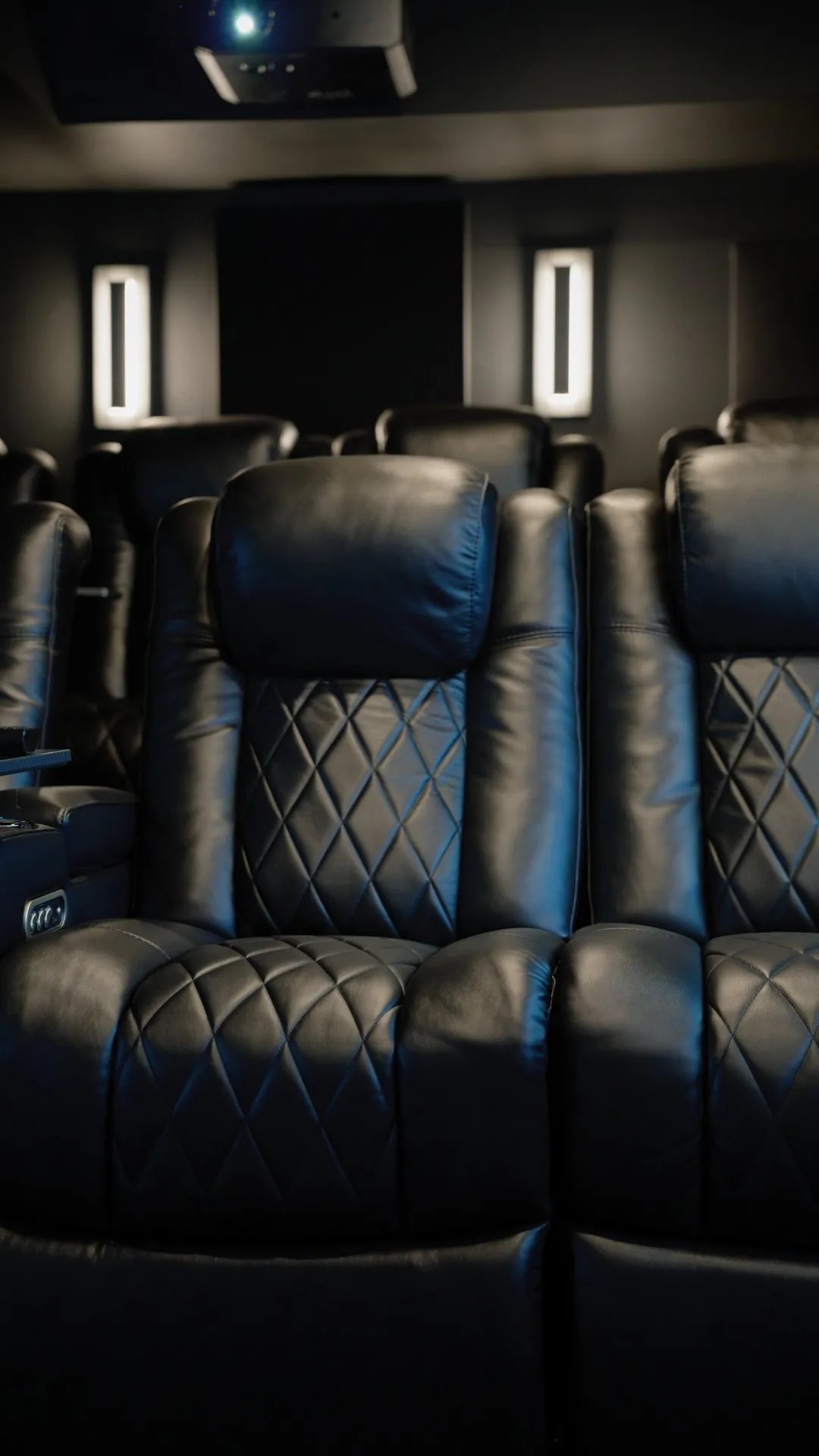
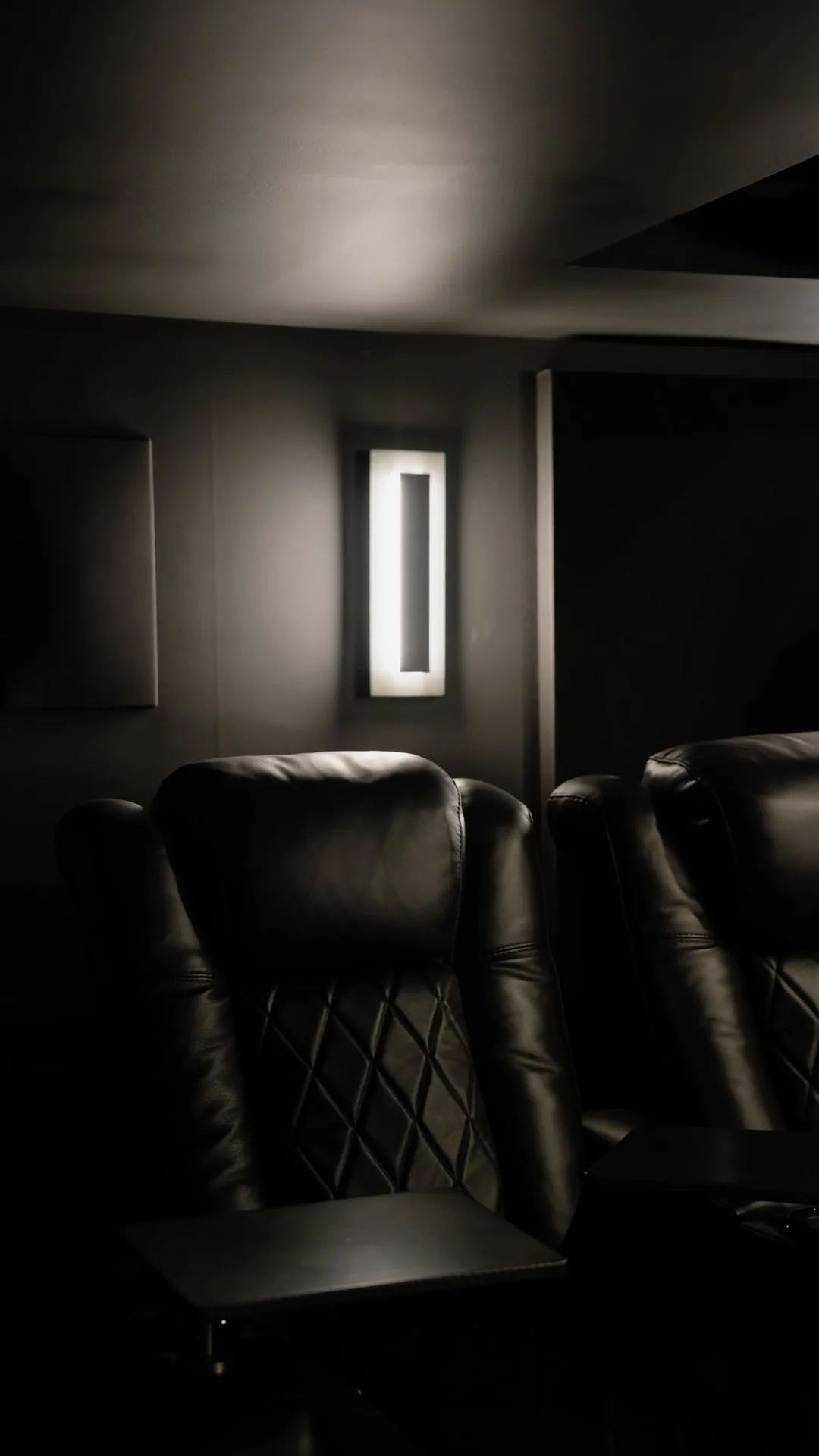
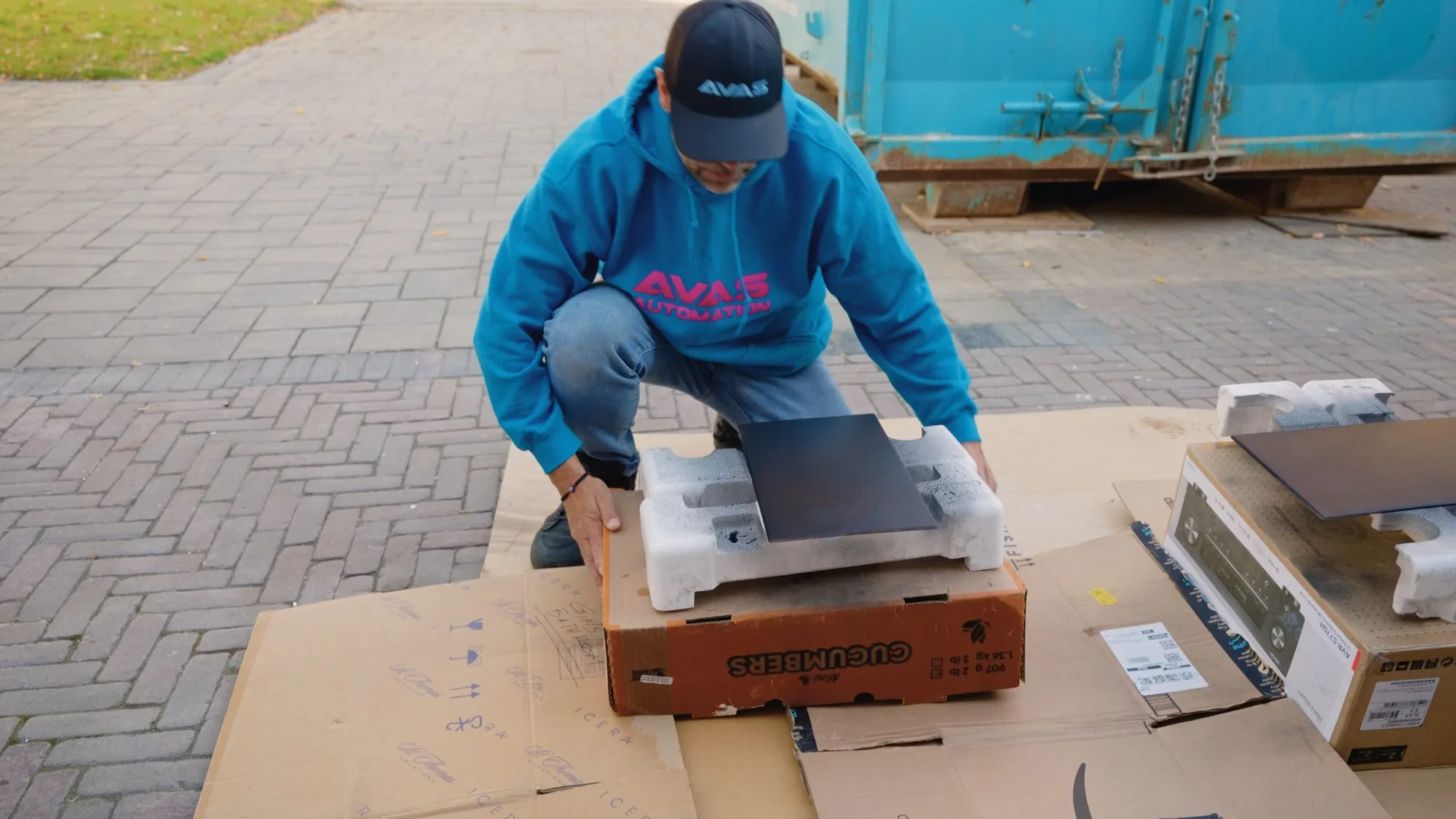
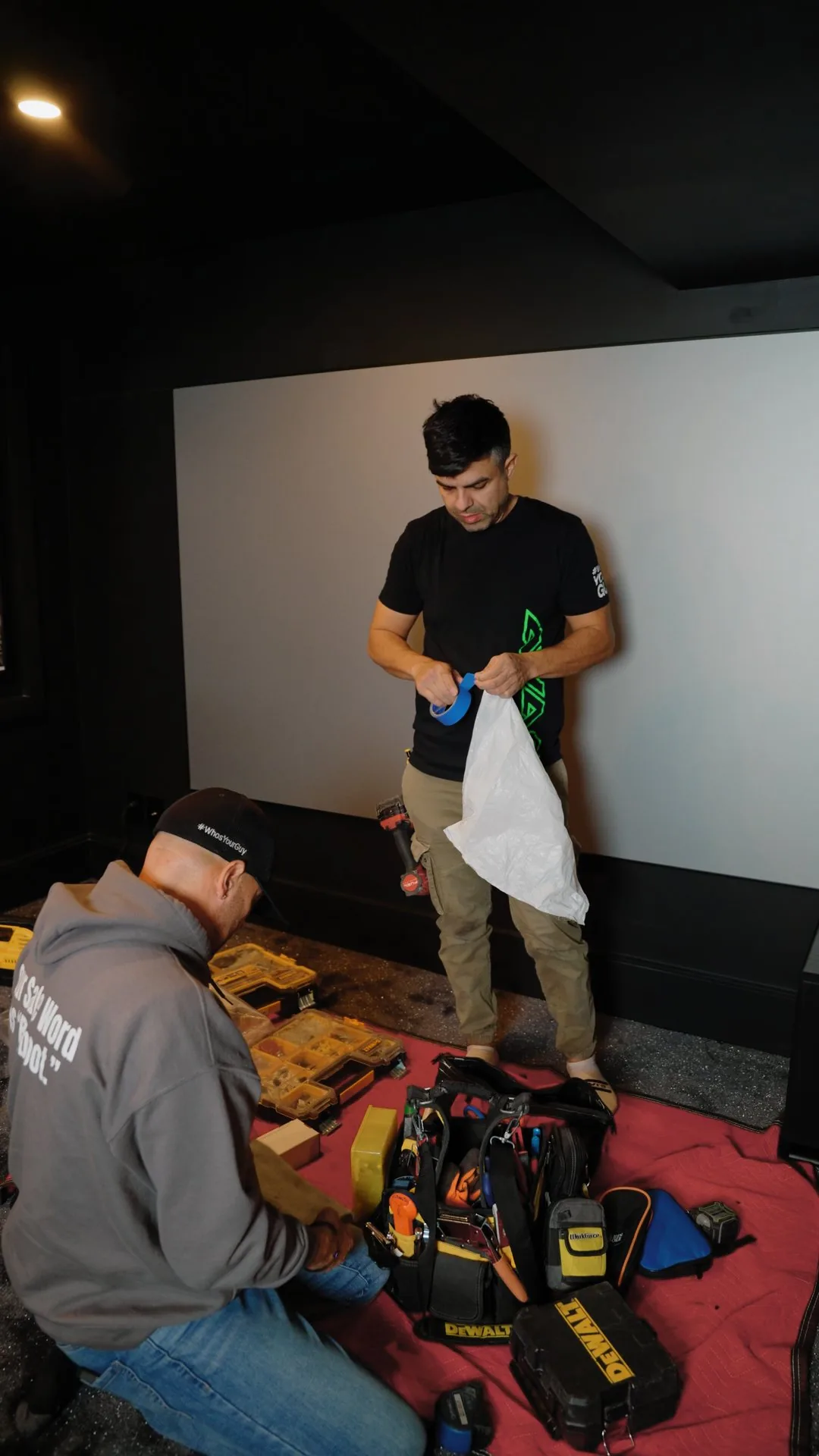
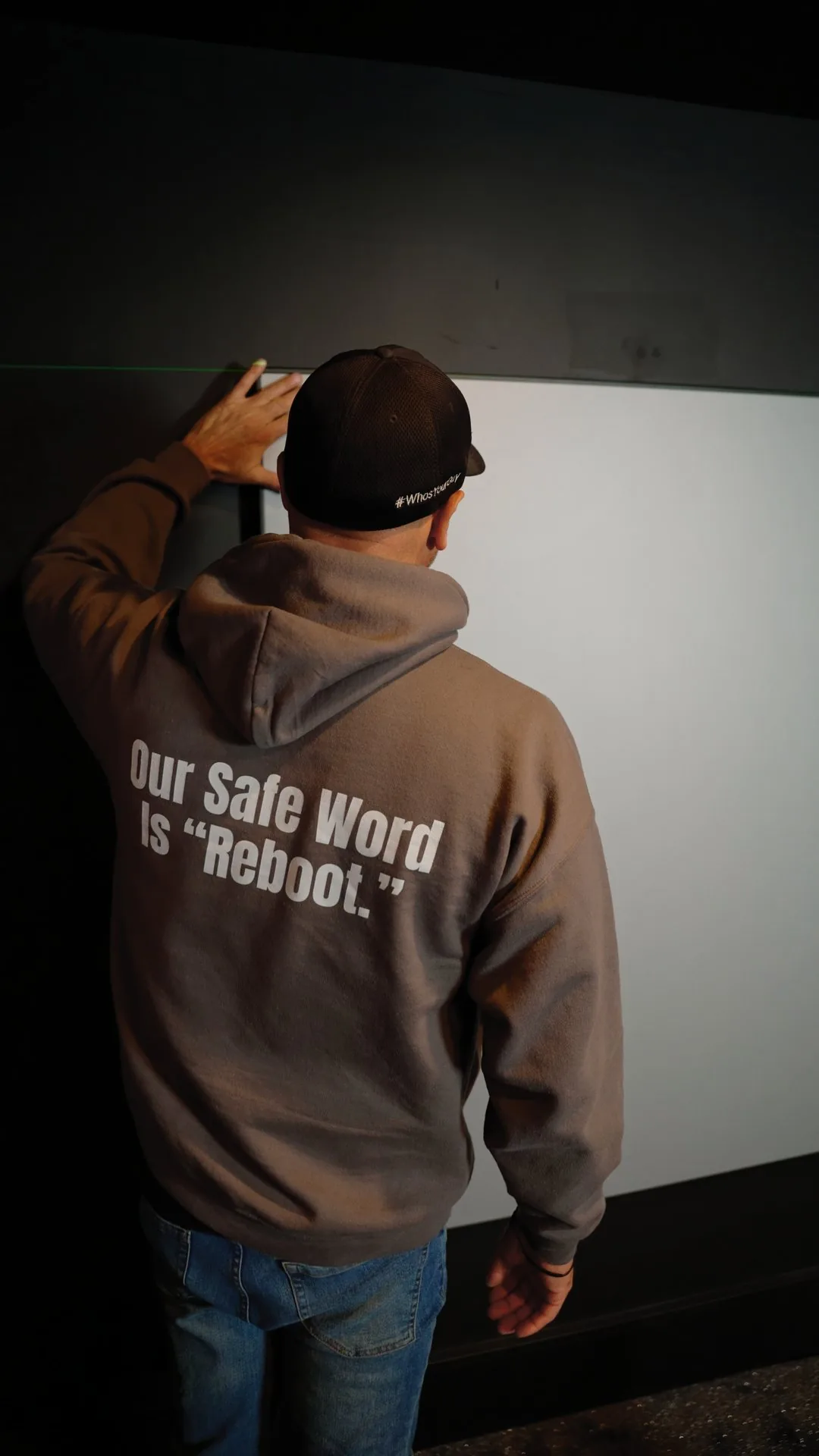
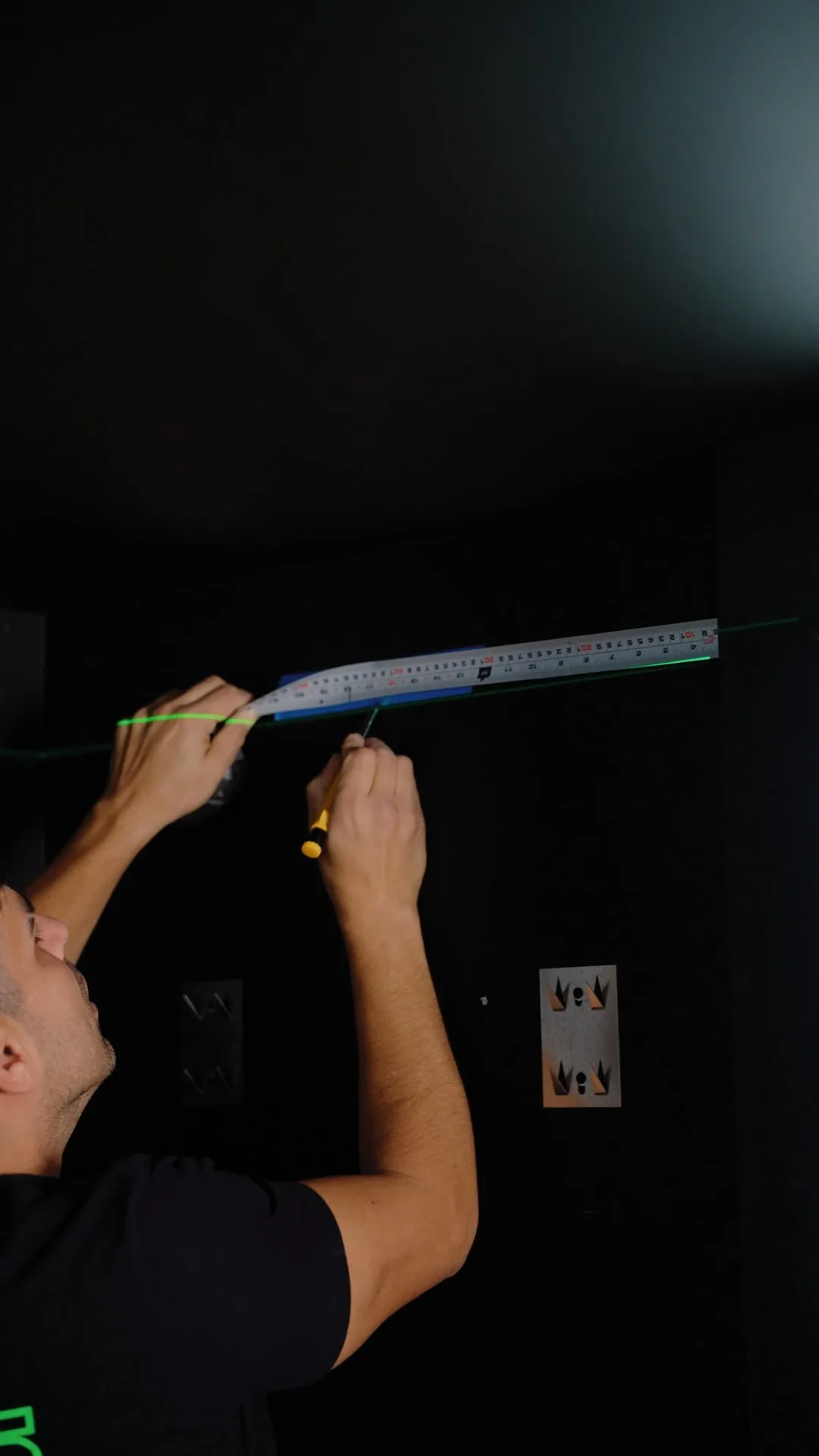
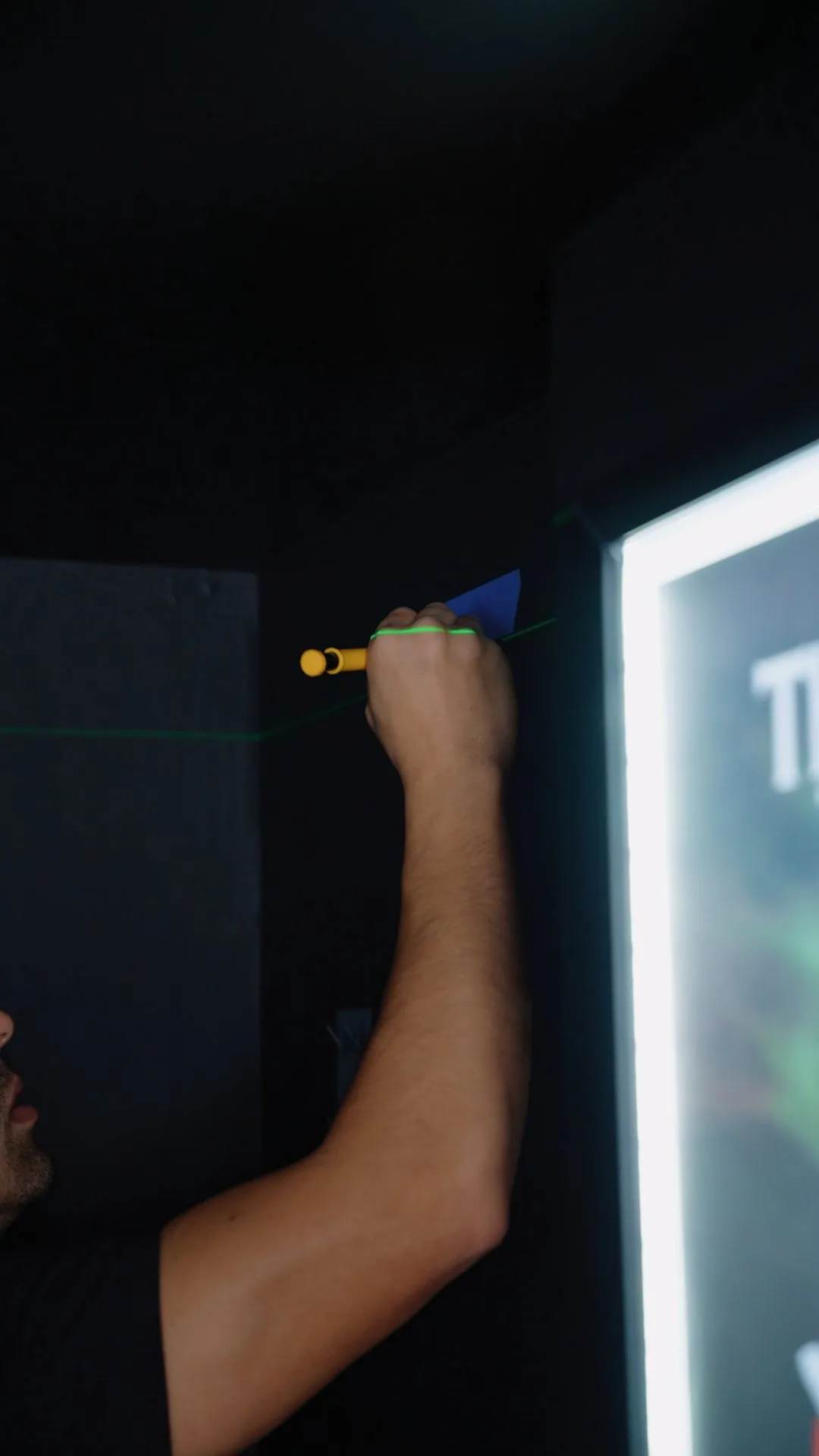
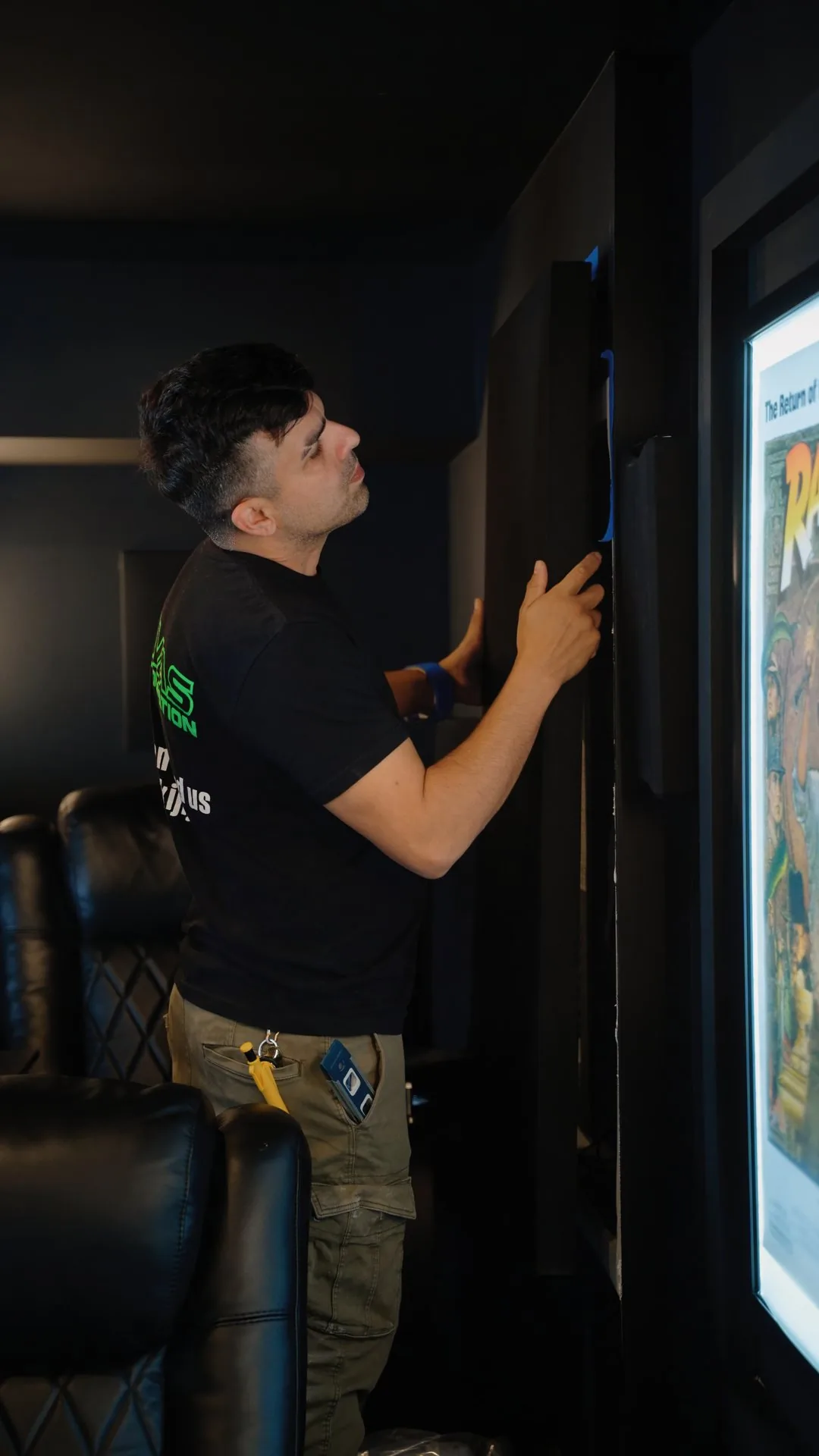
The theatre in this guide, from the first weeks of the build to install day. See the full project.
When to call an installer
Most of the settings take an evening. Bring in an installer when:
- You want a projector and screen, or speakers in the walls and ceiling.
- The receiver will not pass 4K at 120 Hz or Dolby Atmos, after you have tried the settings above.
- The theatre is far from the router and needs a wired connection.
- Cables have to run through finished walls or ceilings.
- You want one tap control of the screen, sound and lights.
Planning a room for game nights and movie nights?
We will tell you plainly whether a TV or a projector suits your room, and which level makes sense. Call (416) 800-6714, or have us call you back.
5.0 from 54 Google reviews.
Already an AVAS client? Client support
Common questions
What is the best TV for GTA 6?
The best TV for GTA 6 depends on your room. RTINGS rates the Samsung S95H OLED as the best gaming TV it has tested in 2026, ideal in a dim room. For a bright room, or many hours of play every day, a Micro RGB TV such as the Samsung R95H avoids OLED burn-in.
Does GTA 6 run at 60 or 120 frames per second?
No. At launch, GTA 6 runs at 30 frames per second on PS5, PS5 Pro and Xbox Series X|S, according to TechSpot's report of Rockstar's statement. A 120 Hz TV and VRR still help many other games, but for GTA 6, picture quality, HDR and sound matter more than refresh rate.
Will GTA 6 burn in my OLED TV?
Burn-in from GTA 6 is possible on an OLED TV if you play for very long stretches, because the map and indicators stay in one place. RTINGS says it is not expected for most people who watch a variety of content. If you play for hours every day, a Micro RGB TV avoids the risk.
What is the best projector for gaming?
For a dedicated theatre, the Sony BRAVIA Projector 9 stands out: ProjectorCentral measured 9 ms of input lag with a 4K 120 Hz signal. JVC's DLA-NZ900 and NZ800 put films first, with very deep native contrast and a 4K 120p low latency mode. All three use a laser light source and need a dark room.
What surround sound setup is best for gaming?
For gaming, start with 5.1 or 5.2: speakers beside or behind you let you hear where things are, and two subwoofers make the bass more even across the seats. In a dedicated theatre, Dolby Atmos with four overhead speakers, such as 7.2.4, adds height for rain, aircraft and anything above you.
How far should I sit from the screen for gaming?
Size the screen so it fills 30 to 40 degrees of your view, as RTINGS recommends based on SMPTE guidance. For a 65 inch TV, that means sitting about 2 to 2.7 metres away, or 6 feet 6 inches to 8 feet 10 inches. Keep the centre of the screen near seated eye level.
How do I get Dolby Atmos from a PS5 or Xbox?
On PS5, go to Settings, Sound, Audio Output, Audio Format (Priority) and select Dolby Atmos. On Xbox Series X|S, go to Settings, General, Volume and audio output, set HDMI audio to Bitstream out and choose Dolby Atmos for home theater. You also need an Atmos receiver, soundbar or TV.
How much space does GTA 6 need?
GTA 6 needs up to 212 GB of storage, depending on the console, according to Rockstar, and PlayStation advises PS5 owners to clear at least 212 GB. Free the space first, turn on automatic downloads, and on a PS5 leave the console in Rest Mode so it can download overnight.
Should my console use WiFi or a cable?
Use a network cable if you can run one. A wired console gets the steadiest connection for a download of up to 212 GB and for online play. If the theatre is far from the router, a cable run or a wired access point usually beats a stronger router. Test the connection from the console itself.
Sources
- Sonos Canada: Arc Ultra
- Sonos Support: Set up your Sonos Sub (two subwoofers with Arc Ultra)
- Sonos Support: Listen to Dolby Atmos audio from your TV on Sonos
- Sonos Canada: Amp, supported audio formats
- Samsung Canada: S90H OLED, 65 inch
- Samsung Canada: S95H OLED, 77 inch
- Samsung Canada: R95H Micro RGB, 85 inch
- Samsung Canada: R85H Micro RGB, 100 inch
- Sony Canada: BRAVIA Projector 8
- JVC Canada: D-ILA projectors
- Rockstar Games: Grand Theft Auto VI pre-load begins on November 10
- Rockstar Support: Grand Theft Auto VI pre-load FAQ
- PlayStation Blog: Grand Theft Auto VI pre-download begins November 10
- PlayStation Blog: Pre-load Grand Theft Auto VI on PS5 starting today
- TechSpot: GTA VI is ready to pre-load, but even the PS5 Pro tops out at 30 FPS
- RTINGS: The best gaming TVs of 2026
- RTINGS: Samsung R95H review
- RTINGS: Longevity burn-in test results
- Samsung Newsroom: The 2026 TV lineup
- Samsung Newsroom: Micro RGB lineup for 2026
- Tom's Guide: Micro RGB vs OLED
- ProjectorCentral: Sony BRAVIA Projector 9 review
- Projector Reviews: Sony BRAVIA Projector 8 and 9
- JVC Canada: DLA-NZ900 product page
- RTINGS: TV size to distance
- THX: Where to position your TV
- Dolby: 7.1.4 speaker setup
- Dolby: Atmos home theater installation guidelines
- PlayStation Blog: PS5, the ultimate FAQ
- PlayStation Blog: Dolby Atmos for PS5 games
- PlayStation Support: Keeping a PS5 cool
- Xbox Support: 4K gaming at 120 Hz
- Xbox Wire: Is your TV ready for Xbox Series X|S
- HDMI Licensing: HDMI specification and gaming features
- HDMI Licensing: Ultra High Speed HDMI Cable
Grand Theft Auto VI is a trademark of Take-Two Interactive. AVAS Automation is not affiliated with Rockstar Games.